Free Online Tools
Eighteen small, fast tools for images, text and everyday odds and ends. No sign-up, no watermarks, no file-size limits — and unlike most tools of this kind, your files never leave your device.
Image & Photo Tools
Resize, shrink, convert and crop pictures right in the browser — useful before uploading anywhere, and your originals stay on your device.
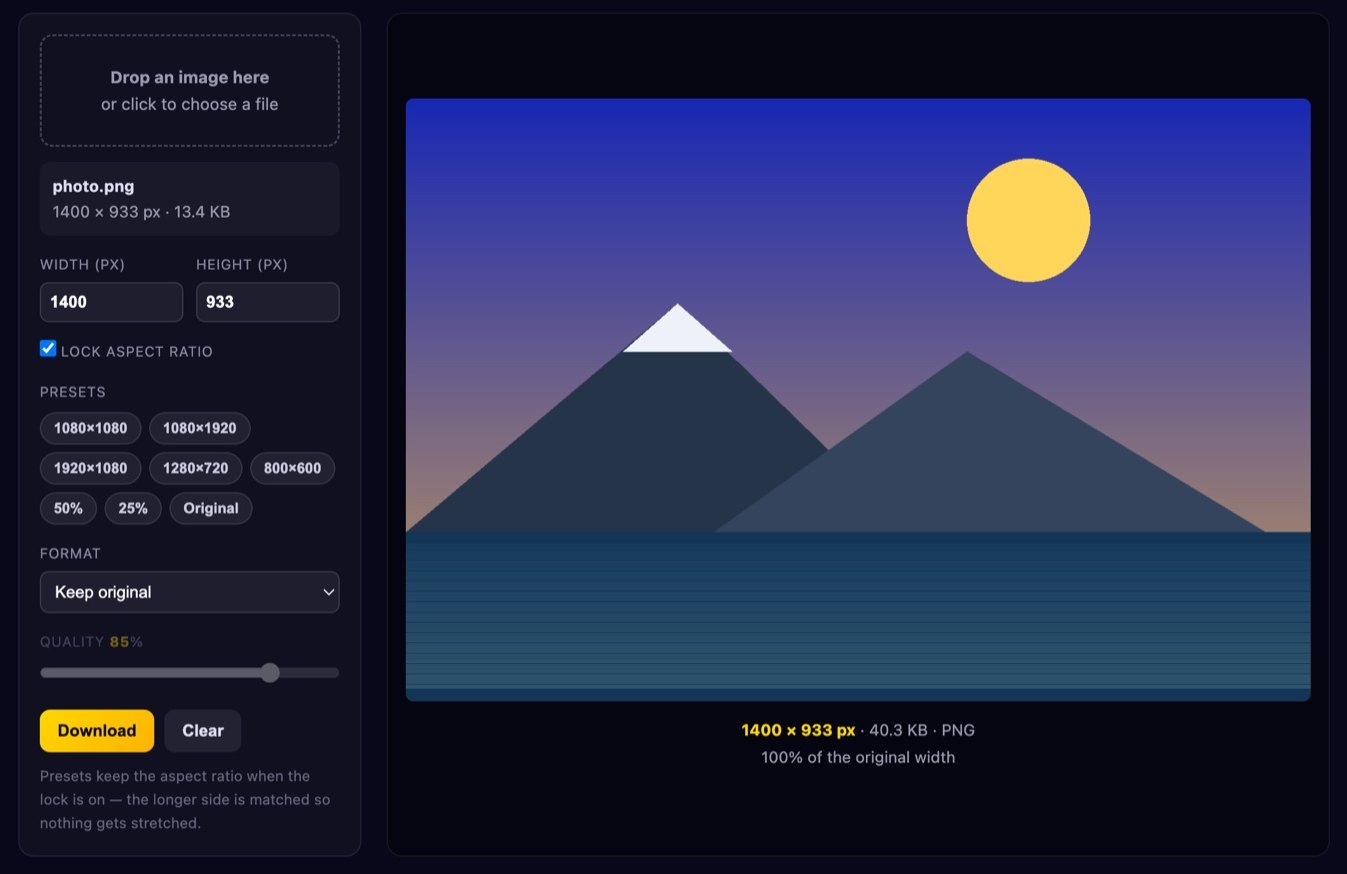
Image Resizer
Set exact pixel dimensions or use a preset for social media. Sharp stepped downscaling.
Open tool →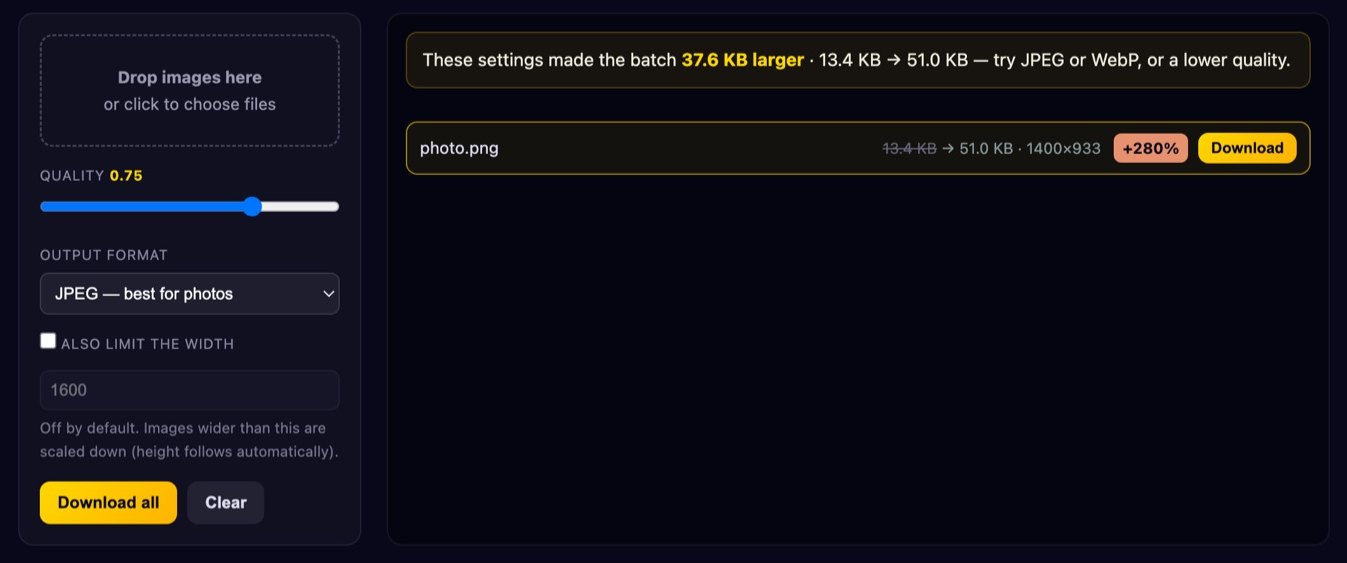
Image Compressor
Shrink file size with a live before/after comparison. Batch several files at once.
Open tool →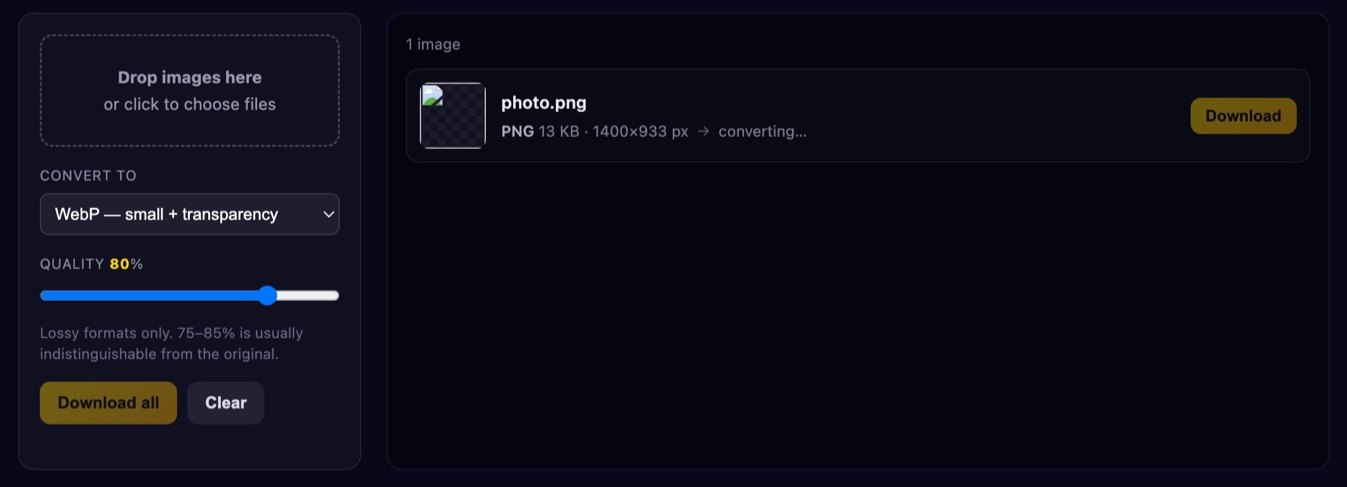
Image Converter
PNG, JPG and WebP in any direction, with proper handling of transparency.
Open tool →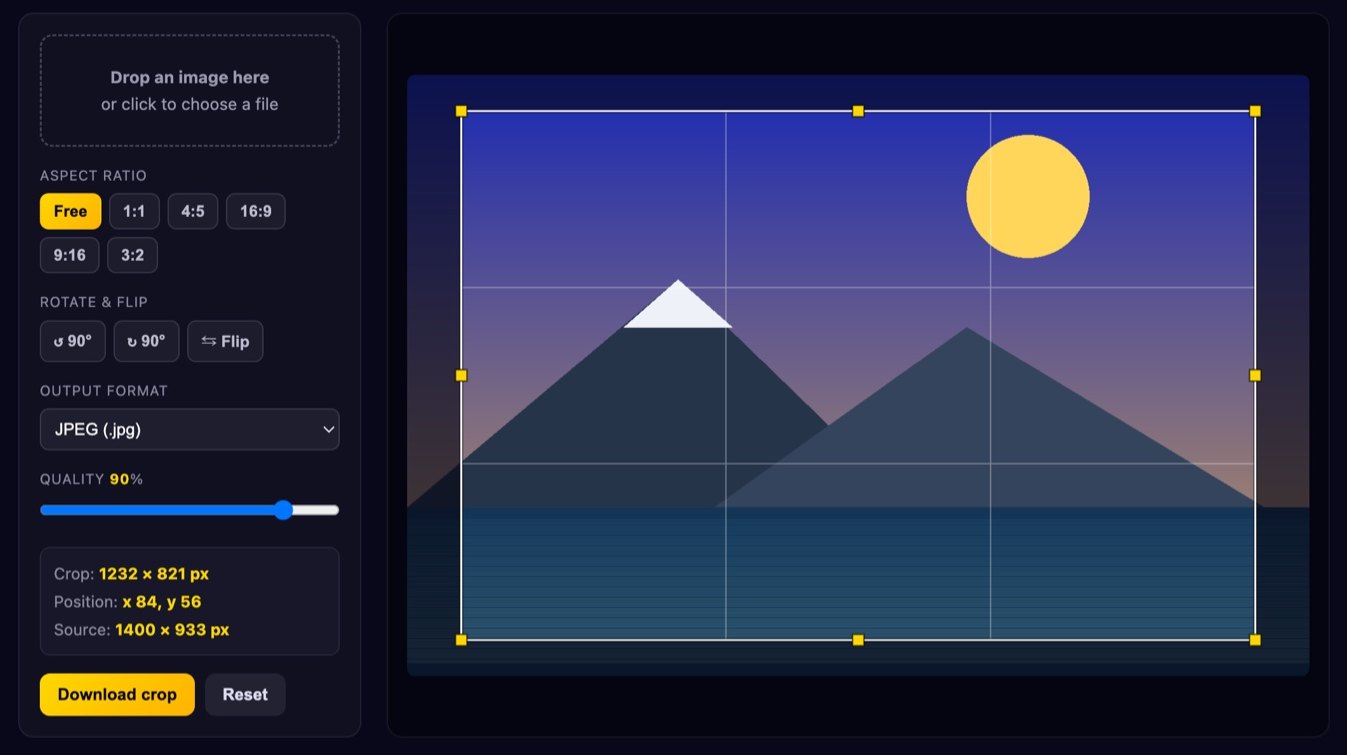
Image Cropper
Drag a crop box with ratio locks and a thirds grid. Exports at full resolution.
Open tool →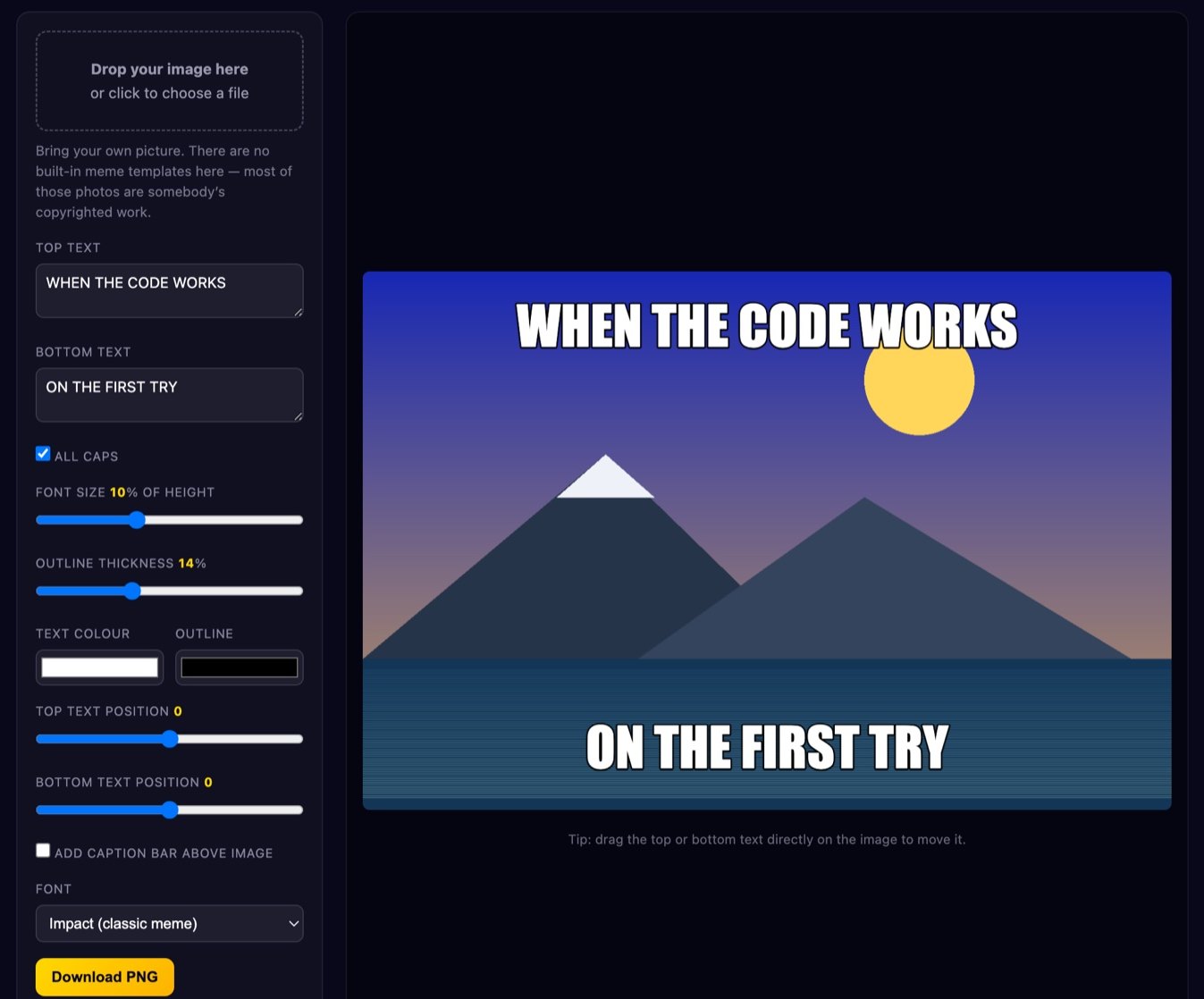
Meme Generator
Classic bold captions on your own picture, with draggable text and a caption bar.
Open tool →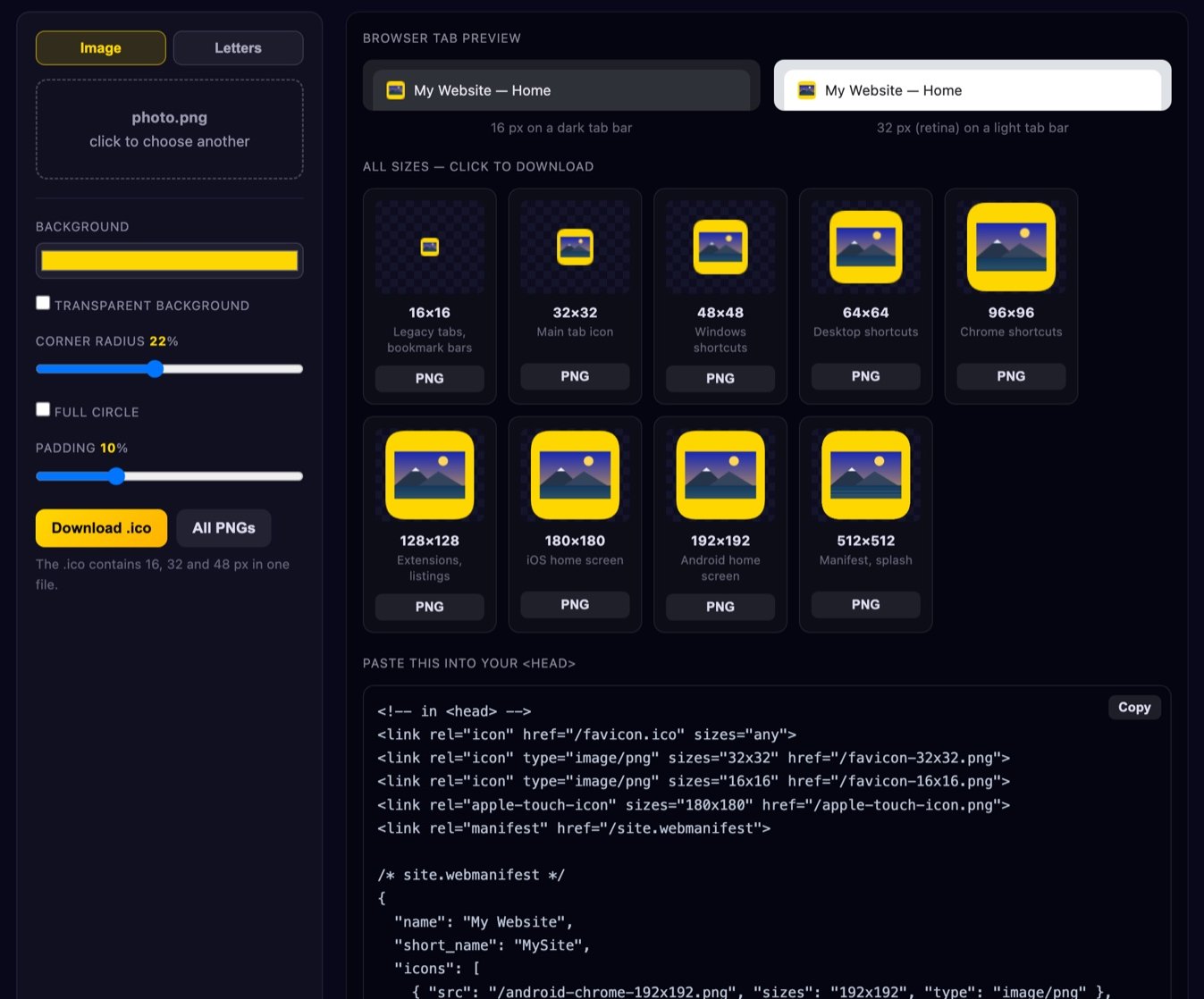
Favicon Generator
Every favicon size plus a real .ico file and a ready-to-paste HTML snippet.
Open tool →Creative Tools
Turn a photo into something else entirely — text art, pixel art, or a colour palette you can actually use.
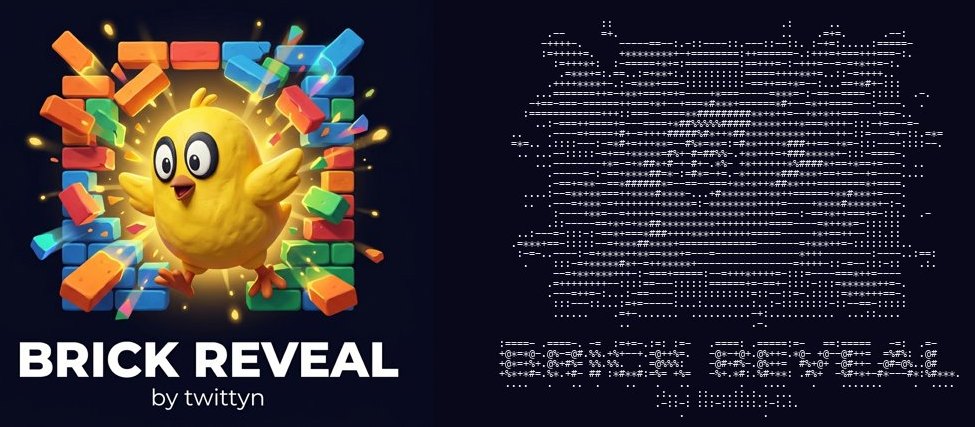
Image to ASCII Art
Turn any photo into text art. Adjust width, characters and contrast, then copy or download.
Open tool →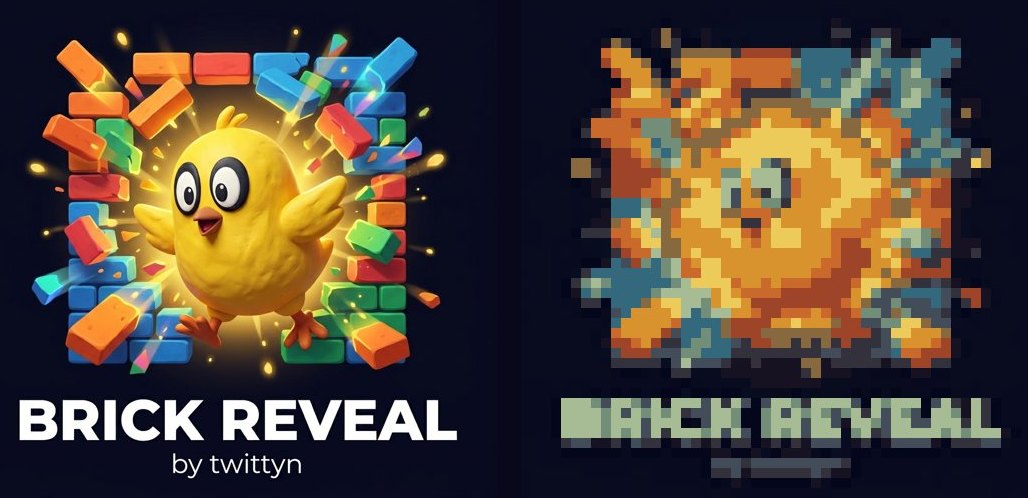
Pixel Art Converter
Downscale a photo into crisp pixel art with an adjustable resolution and palette.
Open tool →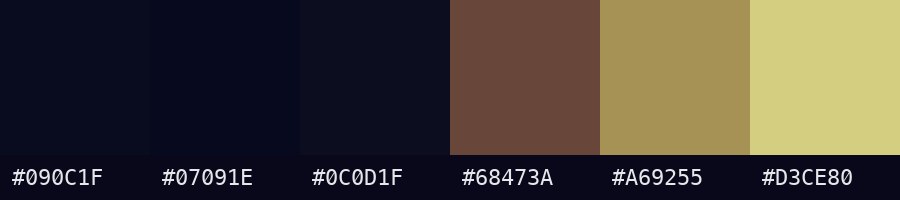
Colour Palette Extractor
Pull the dominant colours out of an image as ready-to-copy hex codes.
Open tool →Text Tools
Count it, reshape it, and check it against the character limits that actually matter.
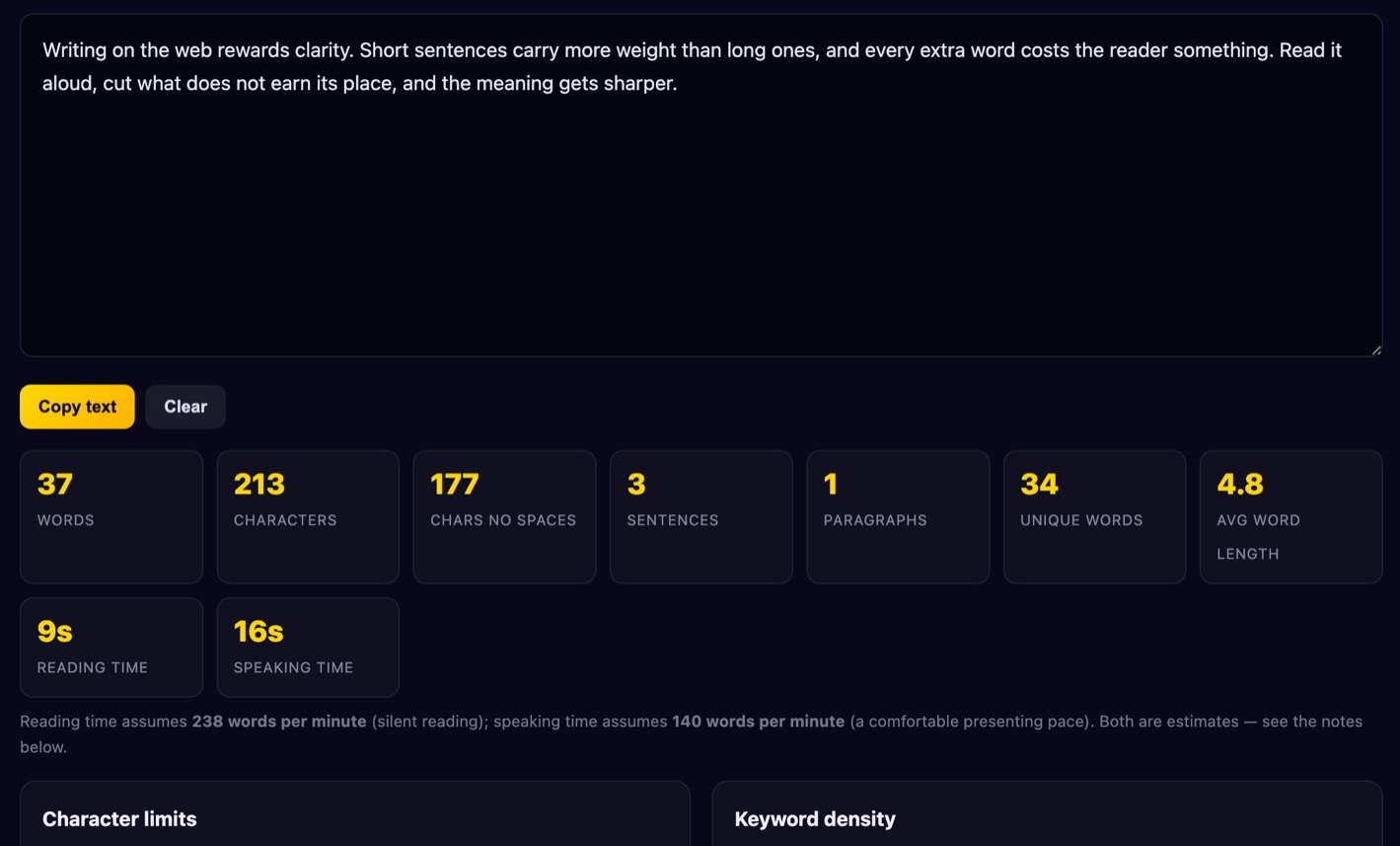
Word Counter
Live word, character and reading-time stats, platform limits and keyword density.
Open tool →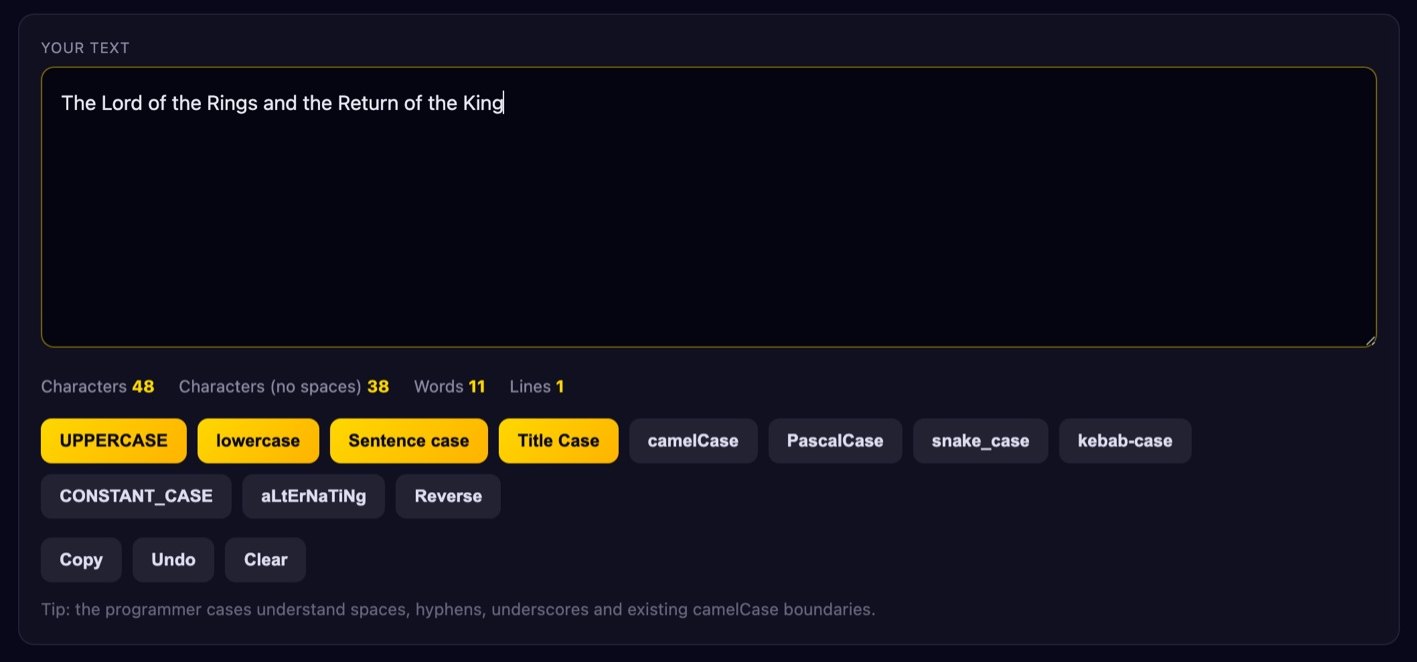
Case Converter
UPPER, lower, Sentence, Title, camelCase, snake_case and more — with smart title casing.
Open tool →Random Pickers
Decide something fairly. Every draw uses your browser's cryptographic random number generator, not a rough approximation.
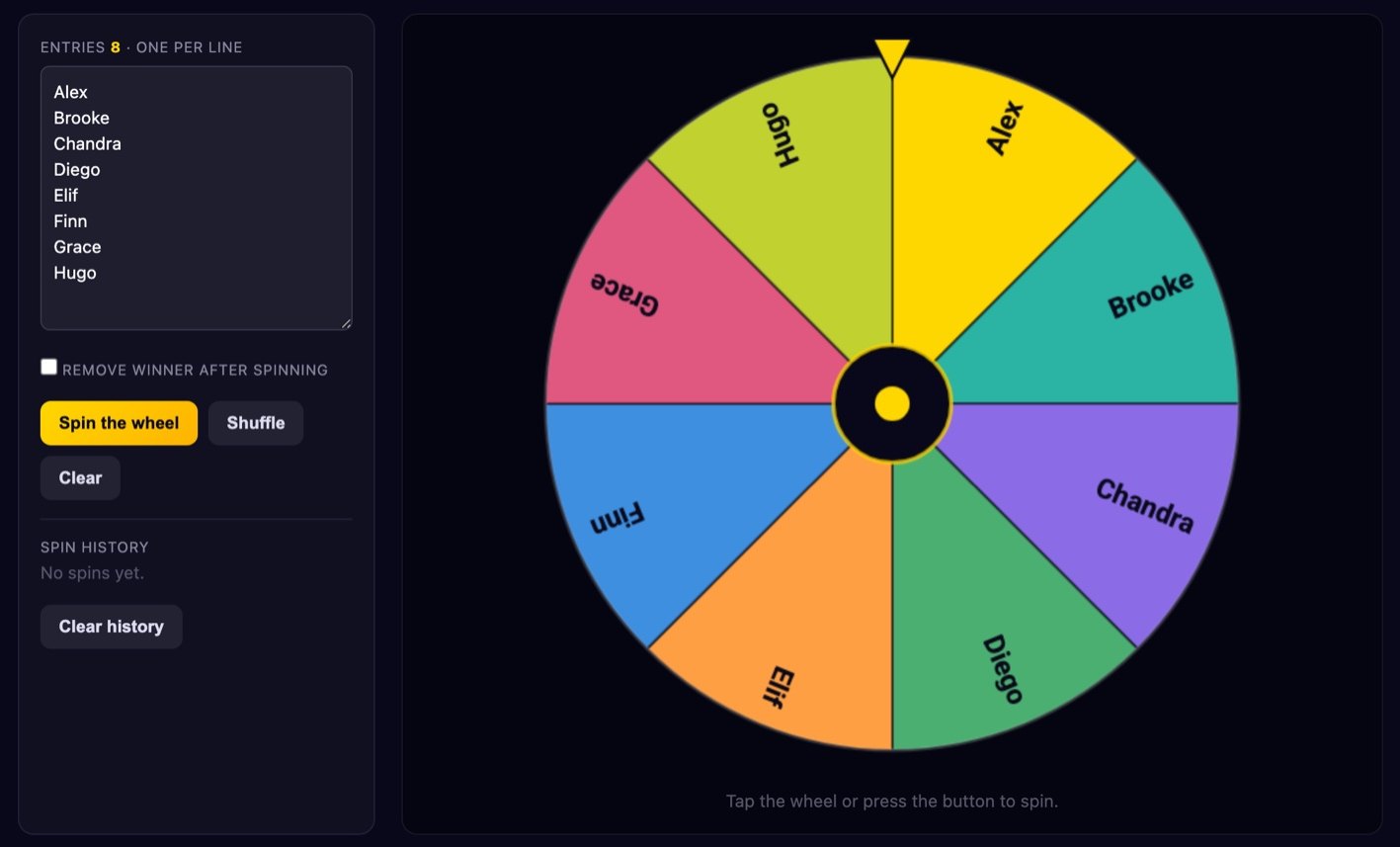
Spinner Wheel
Type your entries and spin. Optionally remove each winner for draws without replacement.
Open tool →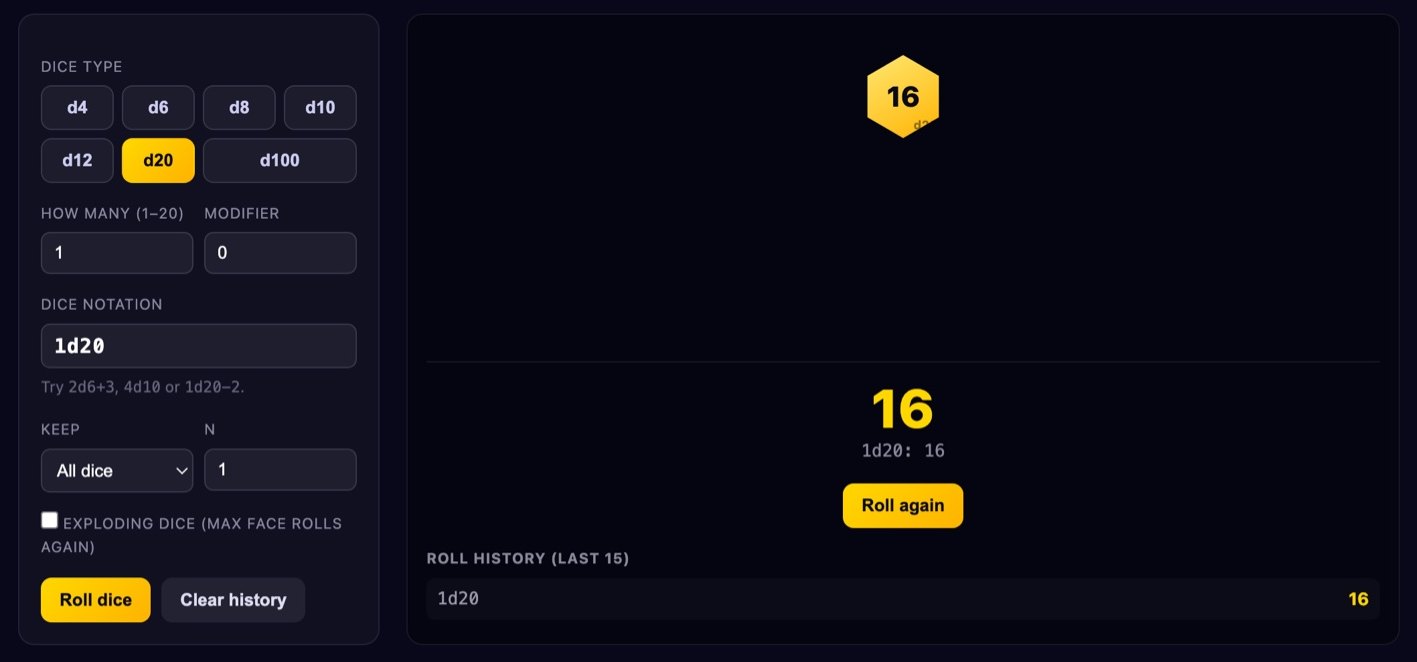
Dice Roller
d4 to d100, dice notation like 2d6+3, keep highest/lowest and a roll history.
Open tool →
Coin Flip
Flip once, or run 1000 flips instantly and watch the percentages settle down.
Open tool →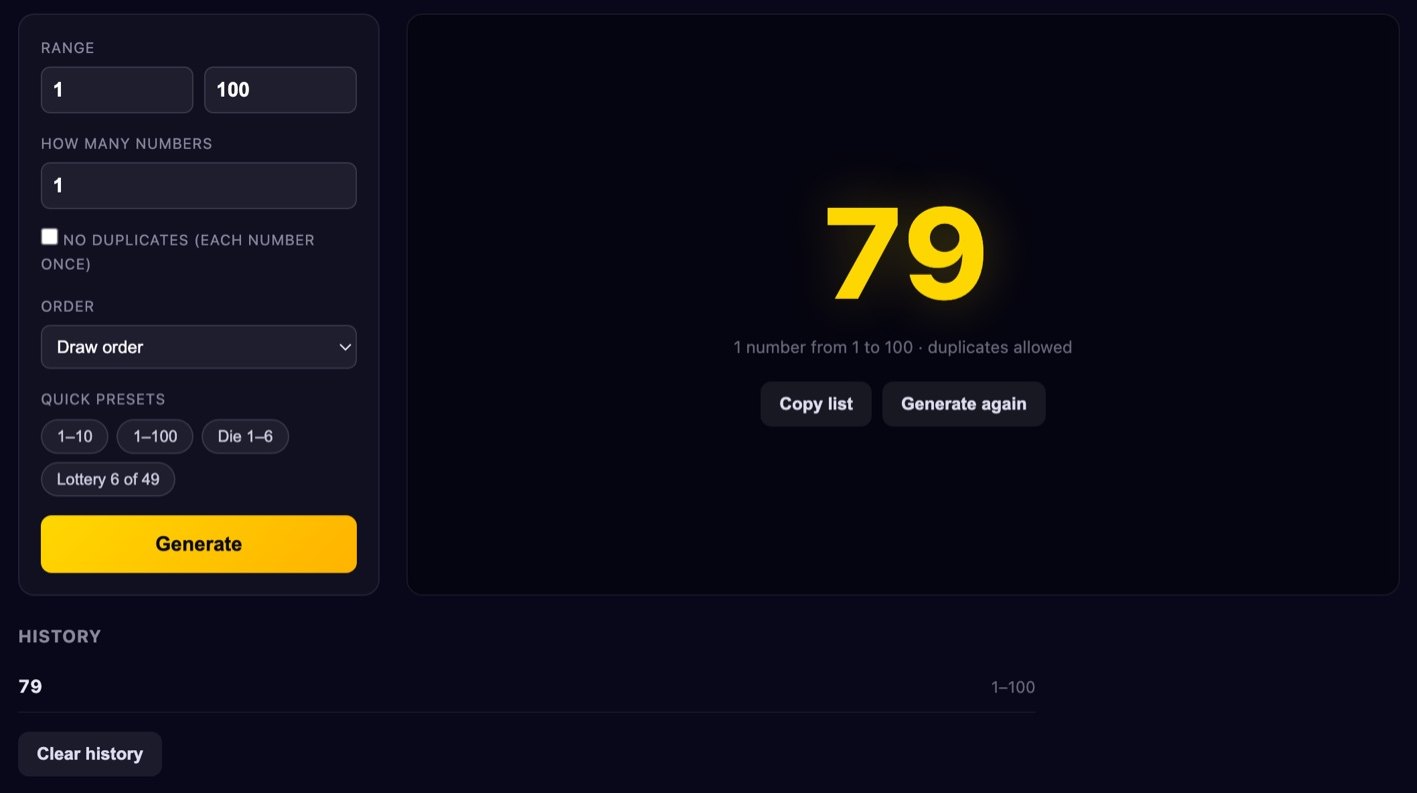
Random Number Generator
Any range, several at once, with or without duplicates — and no modulo bias.
Open tool →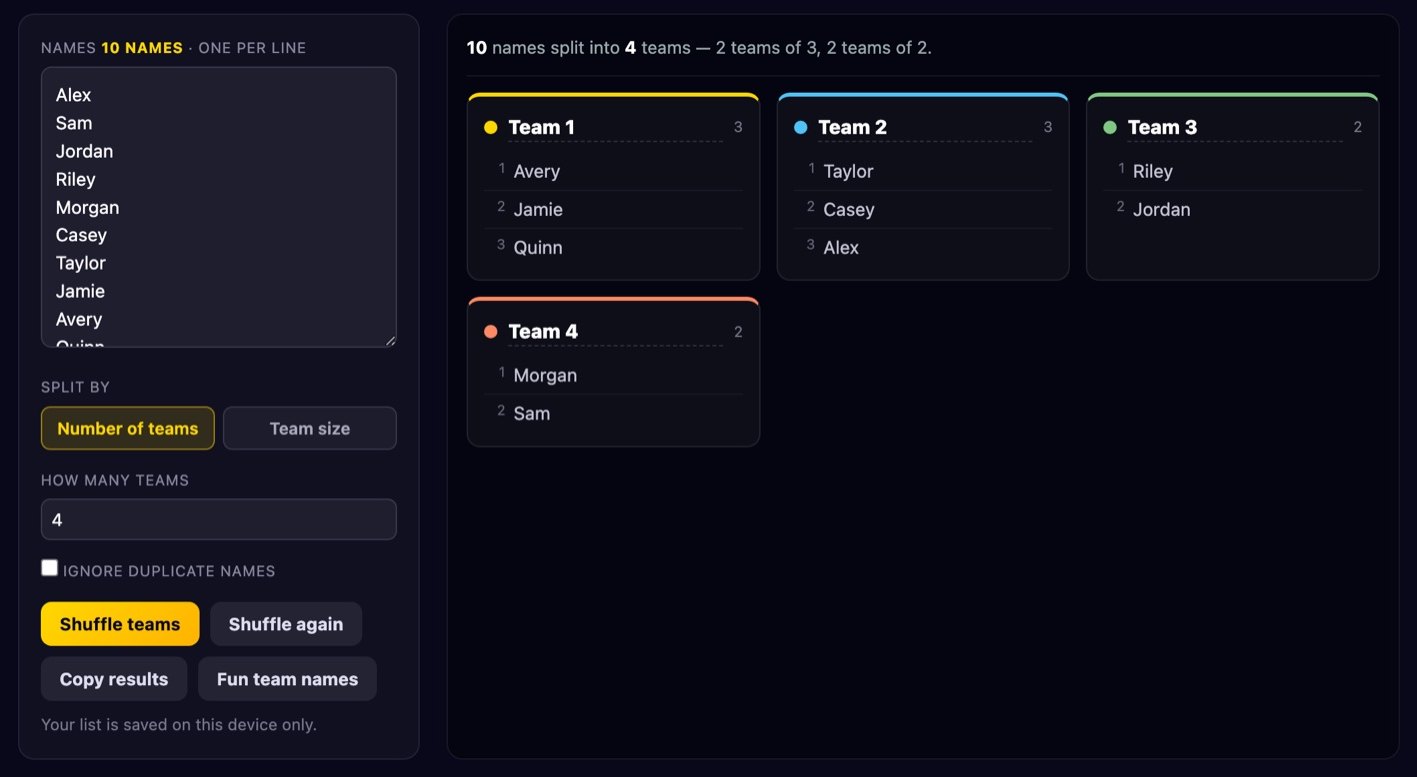
Team Picker
Split a list of names into balanced random teams with a proper Fisher–Yates shuffle.
Open tool →Everyday Utilities
Two small things people need surprisingly often — both generated entirely on your own device.
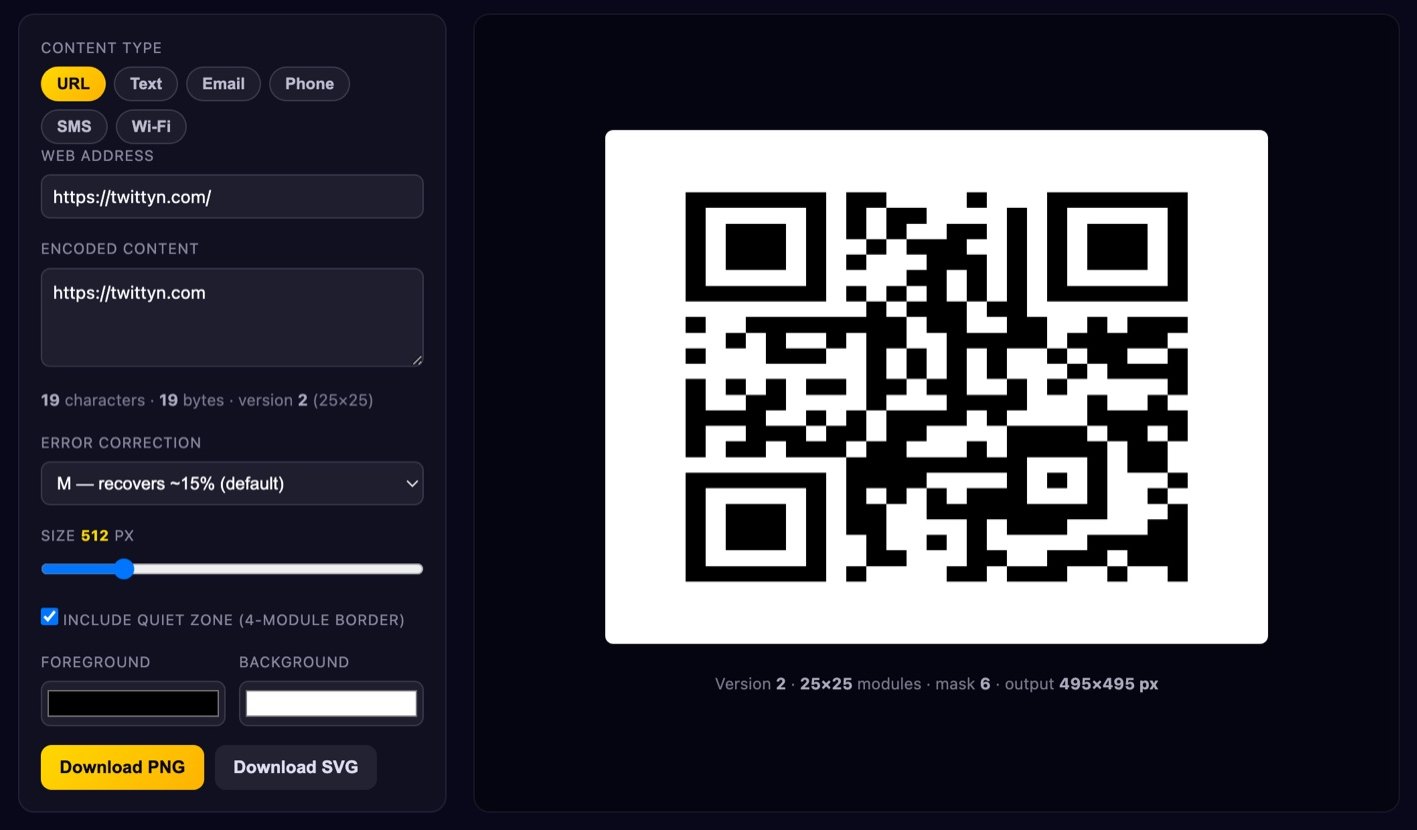
QR Code Generator
URLs, Wi-Fi, email, SMS and more. No tracking, no expiry, PNG or SVG download.
Open tool →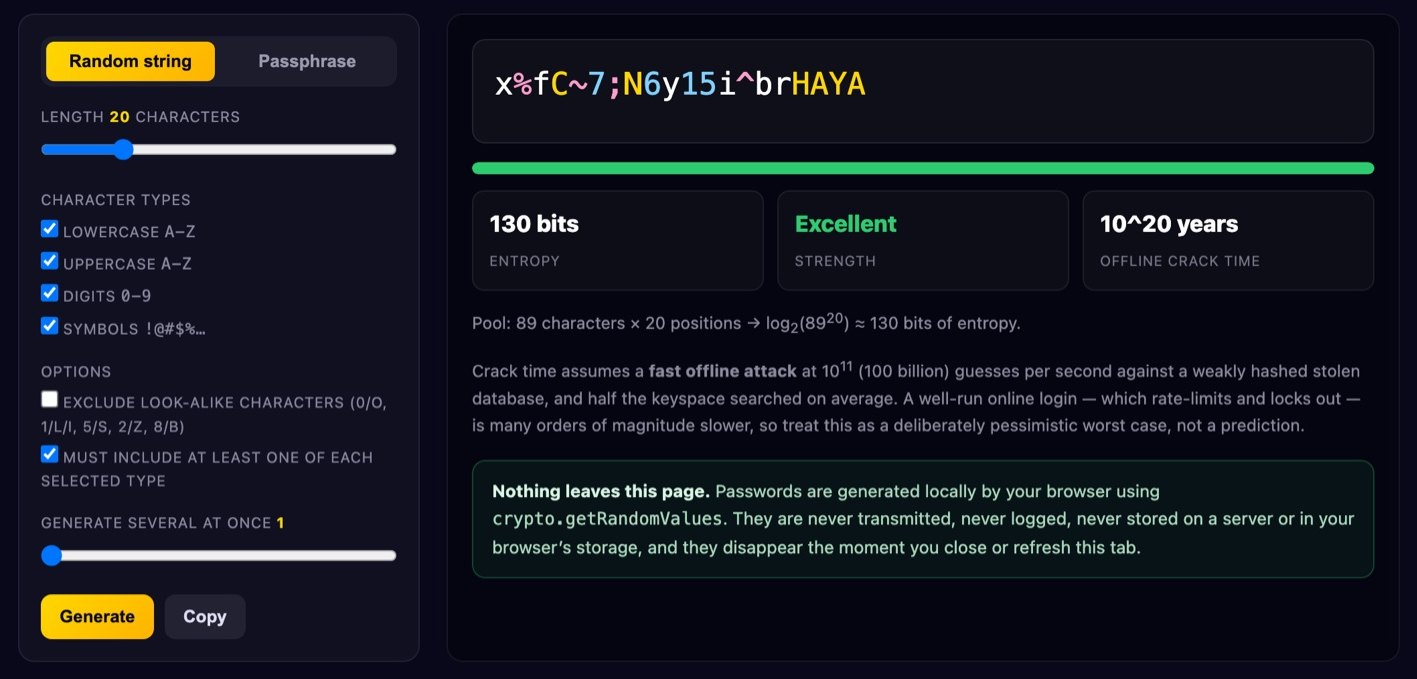
Password Generator
Strong random passwords or passphrases with an honest entropy readout.
Open tool →Why these tools run in your browser
Most free online tools work the same way: you pick a file, it is uploaded to somebody's server, something happens to it there, and you download the result. That is convenient, but it means a copy of your photo, your document or your password now sits on a machine you do not control, governed by a privacy policy you probably did not read.
Every tool on this page works differently. The processing happens in the page you are already looking at, using the browser's own Canvas, File and Web Crypto APIs. Your file is read into memory on your device, changed there, and handed straight back to you as a download. Nothing is transmitted, because there is no upload step to transmit it with.
You can check this yourself: open your browser's developer tools, switch to the Network tab, and use any tool on this site. You will see the page load, and then nothing further while you work.
What that means in practice
- No file size limits. There is no upload to time out, so a 40-megapixel photo is no harder than a thumbnail. The only real limit is your device's memory.
- It works offline. Once a tool page has loaded, it keeps working with no connection at all.
- It is fast. No round trip to a server and back — most operations finish before you lift your finger.
- Private by construction. Not "we promise to delete your files", but "your files were never sent anywhere in the first place".
The honest limitations
Running in the browser is not free of trade-offs, and it would be dishonest to pretend otherwise.
Browsers can only open the image formats they natively support, so HEIC photos straight from an iPhone will open in Safari but usually not in Chrome or Firefox. Very large batches are limited by your device's memory rather than by a server farm. And genuinely heavy work — video transcoding, AI background removal — is either impossible or painfully slow on a phone, which is why you will not find those here.
Everything we do offer is something a browser is genuinely good at. We would rather ship fifteen tools that work properly than fifty that half work.
Frequently asked questions
Are these tools really free?
Yes. There is no paid tier, no watermark on your output, no daily limit and no account. The site is supported by advertising.
Do I need to install anything?
No. Everything runs in a normal browser tab on desktop, tablet or phone.
Is my data used for anything?
Your files and text are never sent to us, so we could not use them even if we wanted to. Like most sites, we do use analytics and advertising cookies with your consent — the details are in our Privacy Policy, and you can change your choice at any time from the link in the footer.
Can I use the output commercially?
Whatever you create with these tools is yours. Just make sure you have the rights to the image or text you started with — the tool does not grant you any.
Why is a tool behaving differently in my browser?
Support for image formats and a few newer APIs varies between browsers and versions. WebP encoding, for example, is available in all current major browsers but not in older ones. Where a feature is missing, the tool tells you instead of failing silently.
Looking for something else?
We also build free browser games — twenty-five of them, from photo-reveal games that record themselves as vertical video to hand-played classics like Sudoku and Solitaire. Or read our guides on making satisfying videos and recording browser games.