Sand Reveal
Watch a picture build itself out of falling sand. A pendulum emitter showers colored grains down a vertical canvas, and every grain that finally settles borrows the color of your photo at that exact spot — one pixel-sized pile at a time.
▶ Play Sand Reveal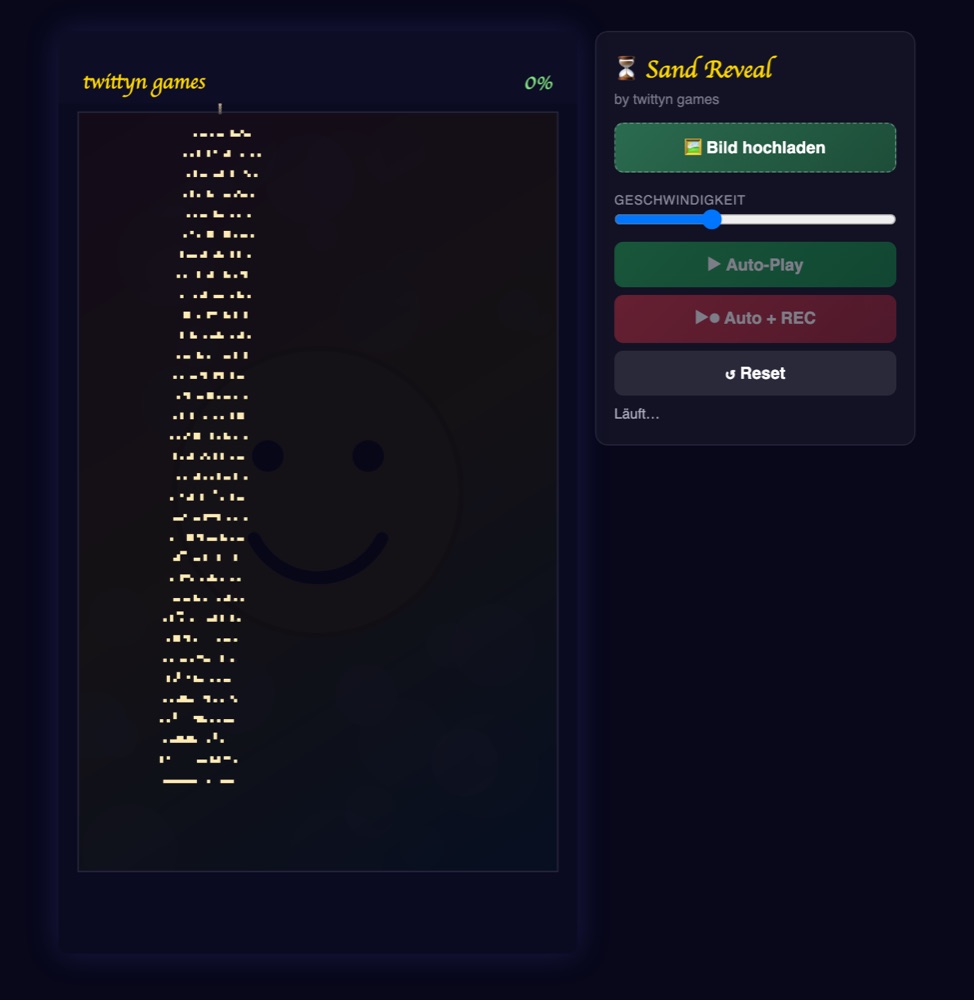
What is Sand Reveal?
Sand Reveal turns a still photo into roughly a minute of falling-sand footage. A pendulum emitter swings across the top of a tall play field and pours grains that tumble, slide, and pile up below it until your picture is standing there in sand, grain by grain. The whole thing renders at vertical HD (1080×1920), so a finished clip drops straight into TikTok, Reels or Shorts without cropping.
How the sand actually behaves
Underneath the visuals is a real cellular-automaton grid, not a pre-baked animation. The play field is divided into roughly 140 columns by 225 rows of ~7px cells, and every cell sits in one of three states: empty, falling, or settled. Grains that are still in the air aren’t tracked on the full grid at all — they live in a short flat list capped at 1,200 concurrent particles, which is what keeps the simulation smooth even when the emitter is running flat out.
Each falling grain drops straight down up to six rows per tick. If the cell below is already occupied, it checks the two diagonal cells — down-left and down-right, in random order each time — before giving up and staying put. A grain only locks into “settled” once it’s resting on sand that has itself already settled, or on the floor; it will never freeze in mid-air just because a neighboring grain happens to be falling past it that same frame. That one rule is what stops the pile from growing hollow columns or floating chunks.
The emitter itself isn’t just swinging on a clock. Its position is two overlapping sine waves layered together for a slightly irregular, hand-swung drift, blended with a pull toward whichever column currently has the fewest settled grains. That bias is what keeps the pour from favoring the middle of the image and stacking one tall dune while the edges stay bare — it actively steers sand toward the columns that need it.
Color only gets assigned once, at the very start: your photo is sampled once into a small color table matched to the grid, not re-read from the image every frame. A cell only picks up its color the instant it settles, which is why the picture always builds from the bottom up — nothing can show color while it’s still falling. The finished sand frame itself is drawn onto a tiny offscreen canvas at grid resolution, then scaled up onto the visible canvas with image smoothing switched off, so grains render as crisp little blocks instead of a blurry photo.
Once the picture is about 85% full, the simulation stops waiting for the last few straggling grains to wander into place. It sweeps any grains still in the air directly onto the pile and fills the remaining empty rows from the bottom up, one row roughly every 30 milliseconds, so the ending snaps together instead of trailing off for another twenty seconds on a handful of stray grains.
How to play
- Upload your image. Click “Bild hochladen” and pick the photo you want built out of sand. Skip it and a generated demo image is used instead.
- Set the speed. The speed slider scales how many simulation ticks run per second, from a slow, grain-by-grain pour to a fast, dense one.
- Choose a mode. “Auto-Play” runs the emitter on its own until the picture is finished. “Auto + REC” does the same thing while recording.
- Watch it build. Sand piles up from the bottom, sliding around low points and drifting toward empty columns as the picture takes shape.
- Download or share. Once the cascade finishes filling the last rows, save the clip or share it straight from the page to a connected account.
Tips for a better result
- Pick a high-contrast image. Because color only appears on settled grains, low-contrast or busy photos can look like plain tan sand for most of the run before the picture suddenly clicks into focus near the end.
- Use the speed slider deliberately. Low speed shows off individual grains sliding and settling — the texture that makes this kind of footage watchable. Cranked up, the pour is denser and the picture fills faster, at the cost of that grain-by-grain detail.
- Expect a fast finish. The last stretch of any run snaps together quickly once the fill cascade kicks in, so don’t worry if the final rows fill in almost instantly — that’s the simulation cleaning up, not a bug.
- Portrait-oriented photos fit best. The image is cover-fit into the vertical play field, so a photo already close to a 9:16 crop shows more of itself before anything is cut off at the sides.
Good to know: Recording happens entirely in your browser using the Canvas captureStream API. Your image never leaves your device unless you explicitly connect a social account and press share. See our Privacy Policy for the details.
Frequently asked questions
Do I need to install anything?
No. Sand Reveal runs in any modern browser on desktop or mobile. There is nothing to download and no account required to play or record.
What image formats work?
Common formats like JPG, PNG and WebP all work. The image is scaled and cover-fit to the vertical play area automatically.
Why does the sand only take color once it settles?
Color is sampled from your photo once at the start and only applied to a cell the moment it stops falling. Because grains always settle low before they settle high, the picture can only ever emerge from the bottom up.
Why does the last bit finish so quickly?
Past around 85% completion, the simulation sweeps remaining falling grains into place and fills leftover rows directly, row by row, instead of waiting for individual grains to wander down naturally.
Is it free?
Yes, Sand Reveal is completely free to play and record.