Paint Bot
Watch a robot brush paint your photo back into existence, cluster by cluster, in a slow and satisfying color-by-number video built for vertical screens.
▶ Play Paint Bot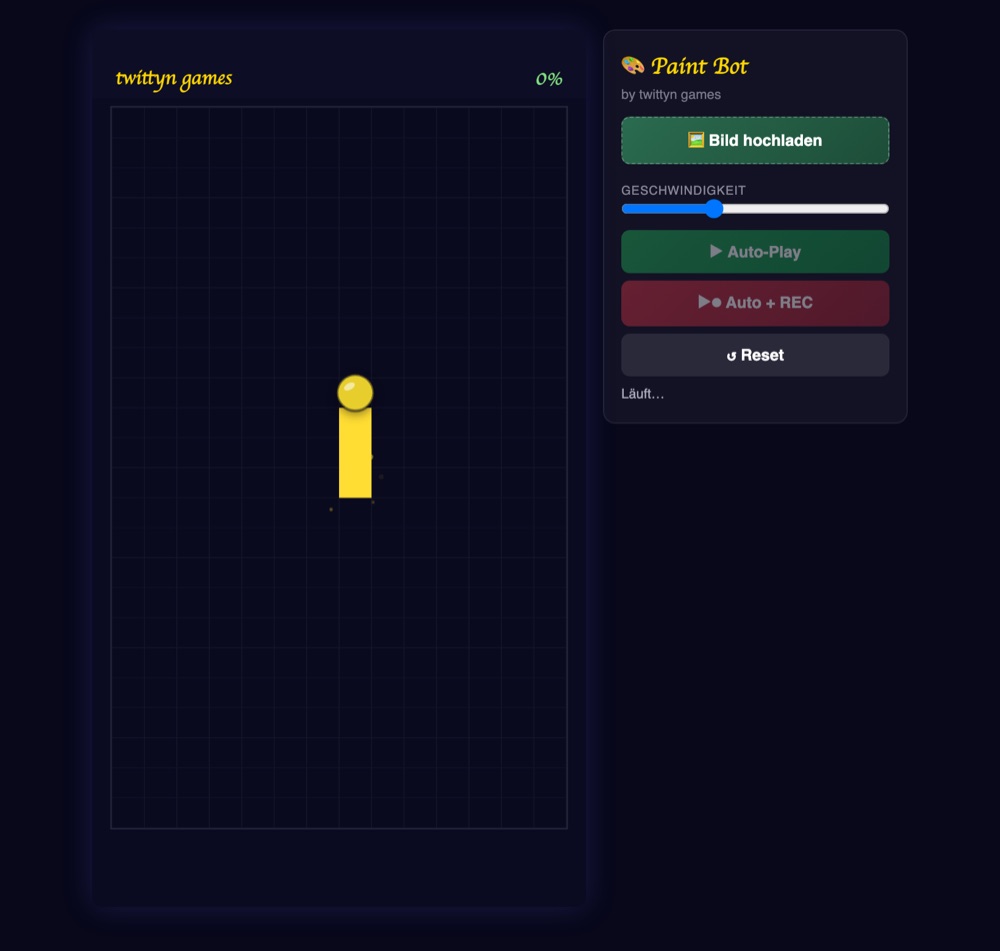
What is Paint Bot?
Paint Bot takes an image apart before putting it back together as a brush-stroke video. Under the surface it isn’t painting individual pixels — it downsamples your photo to a 14×24 grid of 336 cells, reads the average color inside each one, and sorts those 336 averages into color clusters before the brush cursor ever moves. What you watch is the bot filling those clusters back in, one at a time, on a 1080×1920 canvas built for vertical video.
Under the hood: grid, clusters, and the wandering brush
The clustering step sorts every cell by hue into up to ten buckets, each spanning a 40-degree slice of the color wheel. Cells with low saturation — grays, whites, near-blacks — skip the hue math entirely and land in their own washed-out bucket instead of being forced into a color they don’t really have. The buckets are then sorted by size, so the bot always tackles the largest block of similar color first and works its way down to the smallest.
Inside a cluster, the path isn’t a scanline sweep. Each time a cell finishes, the bot measures the distance to every remaining unpainted cell in that same cluster and jumps to whichever one is closest — a greedy nearest-neighbor route. That’s what gives the fill its organic, hand-like wander instead of a robotic left-to-right crawl, and it’s also why no two uploads paint in quite the same pattern: the route is entirely a function of where that particular image’s colors sit on the grid.
What the reveal looks like
Every cell reveal is a small paint-blob pop: a circular wipe expands out from the cell’s center, slightly overshoots its edge, then settles — closer to the snap of a dab of thick paint landing than a flat color swap. A couple of tiny particles matching that cell’s real image color kick off the brush tip on impact and fall with a touch of gravity before fading out.
Cluster changes are where the pacing lives. When the bot exhausts one color and has to move to the next, it doesn’t cut instantly — it pauses in place, pulses gently, and its own fill color slowly morphs from the old cluster’s average tone into the new one before it starts moving again. That hold is the detail that sells the whole sequence as deliberate rather than automated. A speed slider on the panel runs from 50% to 200%, and it stretches or compresses every glide, hold, and pause proportionally rather than skipping steps.
When the final cell lands, a soft white glow sweeps once across the completed canvas before it settles into the finished image and confetti marks the end of the run.
How to play
Upload any photo, illustration or logo — Paint Bot runs the grid sampling and clustering automatically the moment the image loads. Press one of the auto-play buttons and the bot takes over with no input needed; pick the “+REC” option if you want the run captured as a video file straight out of the browser, using the same direct captureStream approach every twittyn game relies on for recording. Once the canvas fills and the confetti settles, download the clip or connect an account to publish it from the page.
Tips for a clean cluster
- Pick images with real color separation. A red shirt against a blue sky resolves into two clean, obviously different blocks; a muddy, evenly-lit photo tends to blur into fewer, less satisfying clusters.
- Simple subjects read better mid-fill. A face, a flag, a single object — anything a viewer can start guessing before it’s half-painted holds attention better than a busy scene with dozens of competing details.
- Don’t max out the speed slider. The cluster-change pause is doing a lot of the pacing work; pushing speed too high compresses those pauses along with everything else and flattens the effect.
- Gray and neutral tones cluster together. Shadows, whites and grays all land in the same low-saturation bucket regardless of hue, so an image with a lot of desaturated background paints that background in a single pass.
Good to know: The grid sampling, clustering, painting and recording all happen locally in your browser via the Canvas captureStream API. Your image never leaves your device unless you connect a social account and choose to share the result yourself. See our Privacy Policy for the details.
Frequently asked questions
Do I need any software to use Paint Bot?
No. It runs entirely in a modern desktop or mobile browser, with nothing to install and no account required to paint or record a clip.
How many colors does it actually use?
Up to ten hue clusters per image, plus a separate bucket for low-saturation grays and whites. Simpler images with fewer distinct hues can resolve into far fewer clusters than that.
Why does the brush pause partway through?
That’s a cluster change — the bot has run out of cells in the current color and is morphing its fill from the old cluster’s tone to the next one before it starts jumping toward those cells.
Can I post the result directly to social media?
Yes. Once you record a clip, you can connect a supported account and publish it from the page without leaving the browser.