Memory Match
A clean, classic pairs-matching game — flip cards, find every match, and try to clear the board in as few moves as possible. No bots, no auto-play: this one you play yourself.
▶ Play Memory Match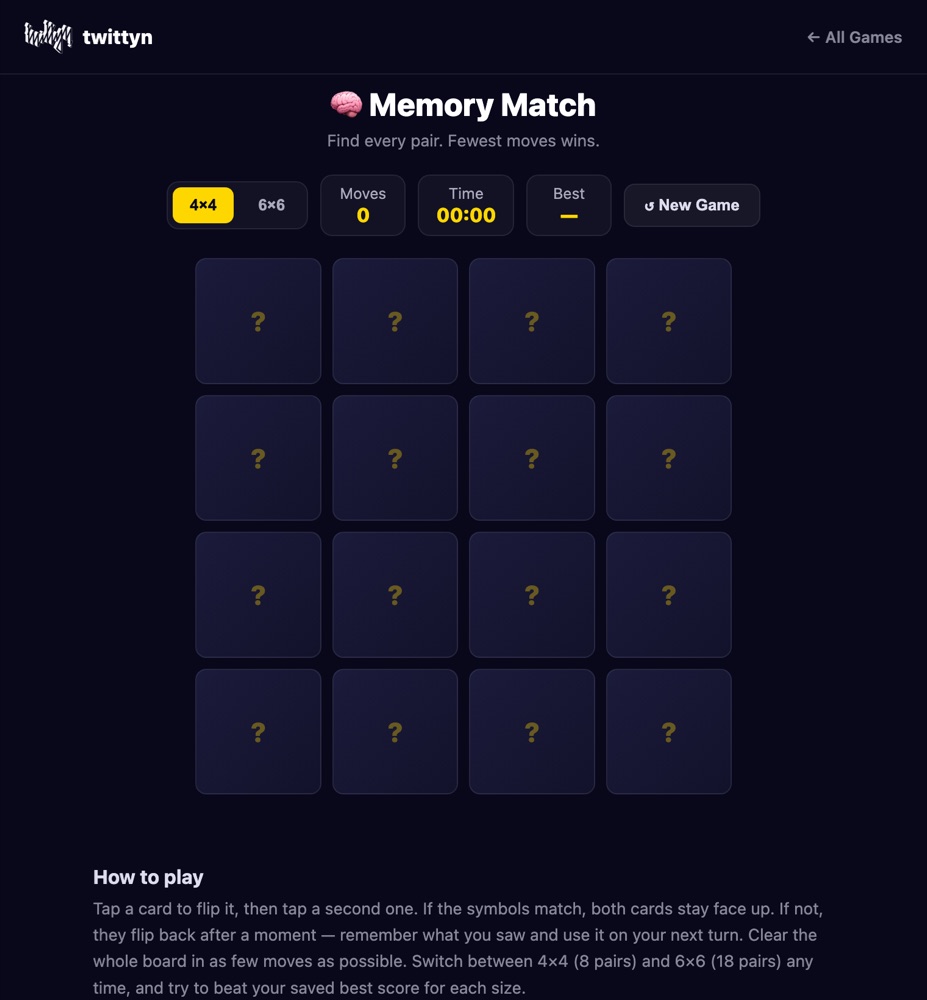
The one game on twittyn you actually play yourself
Every other game on this site has a bot behind the wheel — it plays itself for a video clip while you watch. Memory Match is the exception. There’s no autoplay toggle, no recording button, no camera icon anywhere on the page. You open it, a shuffled grid of face-down emoji cards appears, and from that point on every click is yours. It’s the closest thing on twittyn to a plain, honest card game: concentration, the same one your grandparents played with a physical deck, just running in a browser tab instead of on a kitchen table.
Two board sizes are on offer. The 4×4 grid holds 8 pairs pulled from a pool of 18 possible emoji symbols — rockets, dice, dominoes, a unicorn, a slice of pizza, and so on — so no two rounds use quite the same set of icons. The 6×6 grid uses 18 pairs and, because it draws from that same 18-symbol pool, every single symbol in the library shows up exactly once per game. Switching between the two at any point just starts a fresh shuffle at the new size; nothing carries over.
What actually happens when you click a card
The mechanics are simple but worth spelling out, because a couple of small details change how you should play. Your first click of a new round is also what starts the clock — the timer doesn’t run while you’re staring at the board deciding where to begin, only once you’ve committed to a flip. Click a face-down card and it turns over with a quick 3D flip. Click a second one and the pair locks the board for a moment while the game checks them: a match, and both cards stay face-up for good with a soft gold glow around their border; no match, and both cards shake briefly before flipping back face-down about three-quarters of a second later. That short window matters — it’s your one chance to burn the positions into memory before they’re hidden again.
Your move counter only ticks up once per pair of flips, not per card, so cautious single-card peeking doesn’t exist here — every flip you make is already halfway committed to a guess. Clear every pair and a win screen appears a beat after your last match, showing your total moves and time and telling you straight away whether you just beat your saved best for that board size.
How to actually remember 18 pairs
The honest strategy for Memory Match isn’t clever, it’s just disciplined. In the first handful of moves you will almost never make a match on purpose — you’re flipping cards mostly to see what’s there, and that’s fine. Treat those early flips as information-gathering rather than a failed attempt at a match, and resist the urge to flip randomly just to "get through" the opening. On the 6×6 board especially, anchor what you see to a position rather than a vague impression: “pizza slice, second row, third column” sticks far better in your head than just “I saw a pizza slice somewhere.” Mentally splitting the grid into quadrants helps the same way — four small maps are easier to hold onto than one 36-card map.
Once you do spot a pair you’re certain of, take it immediately, even if you’re mid-way through scouting a different corner of the board. Every pair you clear is one fewer thing competing for space in your memory, and the shrinking board makes every subsequent flip more informative. If you’re specifically chasing a new personal best, start with 4×4 — eight pairs is a small enough set that a clean run is realistic almost every time, whereas 6×6 is more of an endurance test where a low move count takes a genuinely sharp memory and a bit of luck in the draw order.
Good to know: Your best move count is saved locally in your browser, tracked separately for 4×4 and 6×6, so every new run tells you at a glance whether it’s a personal record. No account or sign-in is involved. See our Privacy Policy for details.
Frequently asked questions
Do I need to install anything?
No. Memory Match runs entirely in your browser on desktop or mobile — nothing to download, nothing to install, no account needed.
Is there an auto-play or bot mode?
No. Unlike most other games on twittyn, Memory Match has no bot and no auto-play — it’s designed to be played by hand, move by move.
How is my best score calculated?
Your best score is the lowest number of moves you’ve needed to clear a board, tracked separately for 4×4 and 6×6. It’s stored locally on your device, so it will reset if you clear your browser data or switch devices.
Do the two board sizes use different symbols?
Both sizes draw from the same pool of 18 emoji symbols. On 4×4, 8 of those 18 are picked at random for that round; on 6×6, all 18 are used every time, just shuffled into a new order.
Is it free?
Yes, Memory Match is completely free to play, with no limits on how many times you can play.