Connect Four
The classic drop-and-connect board game, rebuilt for the browser against a genuinely thoughtful computer opponent. You play red, you always go first, and you need four discs in a row — before the CPU gets there.
▶ Play Connect Four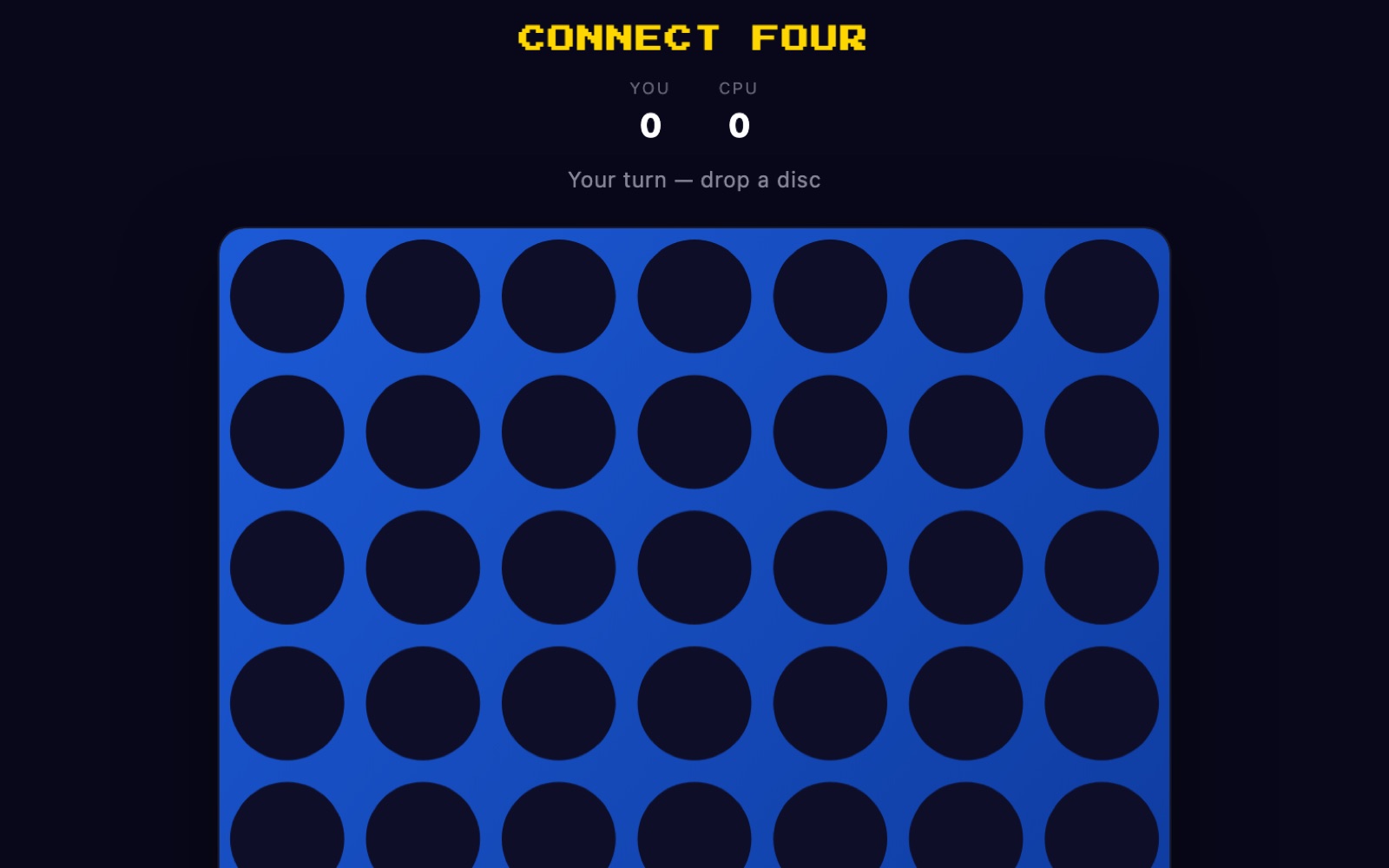
What is Connect Four?
Connect Four is a two-player game played on a vertical grid that is seven columns wide and six rows tall — 42 slots in total. Players take turns dropping coloured discs into the columns, and gravity does the rest: a disc always falls to the lowest empty slot in the column you pick. The goal is to be the first to line up four of your own discs in a straight line, in any direction.
In this version you play the red discs and the computer plays yellow. You move first every game, which is a real advantage in Connect Four — with perfect play the first player can force a win — but the CPU here is sharp enough that a single lazy move can hand the game straight back to it. Unlike the auto-playing reveal games elsewhere on twittyn, nothing here is scripted or recorded: it is a straight human-versus-computer match, and every game is decided by the moves you actually make.
How to play
- You start. The board opens empty and it is always your move first. The status line reads “Your turn — drop a disc” whenever the board is waiting on you.
- Pick a column. Click or tap anywhere in a column to drop your red disc into its lowest open slot. On desktop, a faint preview disc follows your mouse so you can see exactly where the piece will land before you commit. You can also press number keys 1–7 to drop into that column.
- Watch the disc fall. Each drop animates down the column and settles into place. You cannot move again until the disc lands, and columns that are already full simply won't accept a piece.
- The CPU replies. After your move the status shows “CPU thinking…” for a short beat — about 350 milliseconds — then the yellow disc drops. That pause is deliberate; the computer has already calculated its answer.
- Connect four to win. Line up four of your red discs in a row — horizontally, vertically, or along either diagonal. The winning four are ringed in white so you can see the line clearly, and the tally at the top ticks up.
- Or fill the board for a draw. If all 42 slots fill and neither side has four in a row, the game is a draw. Hit “Play Again” to reset to an empty board and take the first move once more.
How the computer plays
The yellow opponent is not making random or purely reactive moves. It runs a minimax search, the standard decision method for two-player games: it looks ahead by imagining every legal move it could make, then every reply you could make, then its own next move, and so on. Here it searches five plies deep — roughly its move, your answer, its move, your answer, and one more — and picks the line that leads to the best outcome for itself, assuming you also play as well as possible.
Searching every branch that deep would be slow, so the AI uses alpha-beta pruning to skip branches that can't change the result, and it examines the centre column first because strong moves usually live there — both tricks let it cut off far more of the tree and still return an answer almost instantly.
How it scores a position
At the bottom of its search the computer grades each possible board with a simple heuristic. It slides a four-slot “window” across every row, column, and diagonal and scores what it finds: a window with three of its own discs and one empty slot is worth a lot, two-of-four is worth a little, and — crucially — a window where you already have three in a row and one open slot counts against it, which is what makes it block your threats. It also adds a bonus for every disc it owns in the centre column, because the middle touches the most possible winning lines. An actual four-in-a-row is scored as an outright win, so the AI will always take an immediate winning move and always block yours if it sees it coming within its search horizon.
Tips to beat the CPU
- Fight for the centre column. The middle column (column 4) is part of more potential four-in-a-rows than any other, and the AI values it heavily — so should you. Playing your first disc there is the strongest opening and denies the computer the same advantage.
- Build double threats, not single ones. The CPU will block any single three-in-a-row it can reach. The way to beat it is to set up two winning threats at once — a “fork” — so that whichever one it blocks, the other still wins. Look for moves that complete two separate open-ended lines at the same time.
- Think about the row above. Because discs stack, the slot you create by playing a piece becomes available to your opponent next turn. Avoid moves that hand the CPU a winning slot directly on top of yours, and conversely, try to force the computer into a column where its next-available slot completes your line.
- Watch for the AI's own traps. The computer isn't only defending — it actively grows its own two- and three-in-a-rows toward a win. If you see two yellow discs with room to extend, treat it as a live threat and cut it off before it becomes a fork you can't stop.
- Use your first-move edge. Going first is a structural advantage in Connect Four. Play patiently, keep your discs connected, and don't waste early moves on the outer columns where they touch the fewest winning lines.
Good to know: Your running score — the YOU and CPU tally shown above the board — is saved locally in your browser under two small keys, so your record against the computer carries over between visits on the same device. Nothing else about your session is stored and no account is needed. See our Privacy Policy for details.
Frequently asked questions
Do I need to install anything?
No. Connect Four runs entirely in your browser on desktop or mobile, with no plugins, downloads or accounts needed.
Who moves first, me or the computer?
You always move first. You play the red discs and the CPU plays yellow, and every new game starts on your turn.
How hard is the computer?
Fairly tough. It looks five moves ahead using a minimax search with alpha-beta pruning, so it reliably blocks your immediate winning moves and takes its own chances. To beat it consistently you'll need to create double threats it can't block at once.
Can the game end in a draw?
Yes. If all 42 slots fill up and neither player has connected four, the game is scored as a draw and you can start a fresh board.
Is my win record saved?
Yes. The YOU and CPU win tallies are stored locally in your browser, so they persist between visits on the same device. Clearing your browser storage resets them to zero.
Is it free?
Yes, Connect Four is completely free to play, with no time limits or paywalls.